Front Desk Configuration
Configuration controls availability, prices, taxes, bills, reports, and channel sales. Routine Receptionists should not change it during a guest transaction.
Safe change rule
Approved request → search first → record current setup → change one item → save once → test reservation and billing → record handover
General and print settings
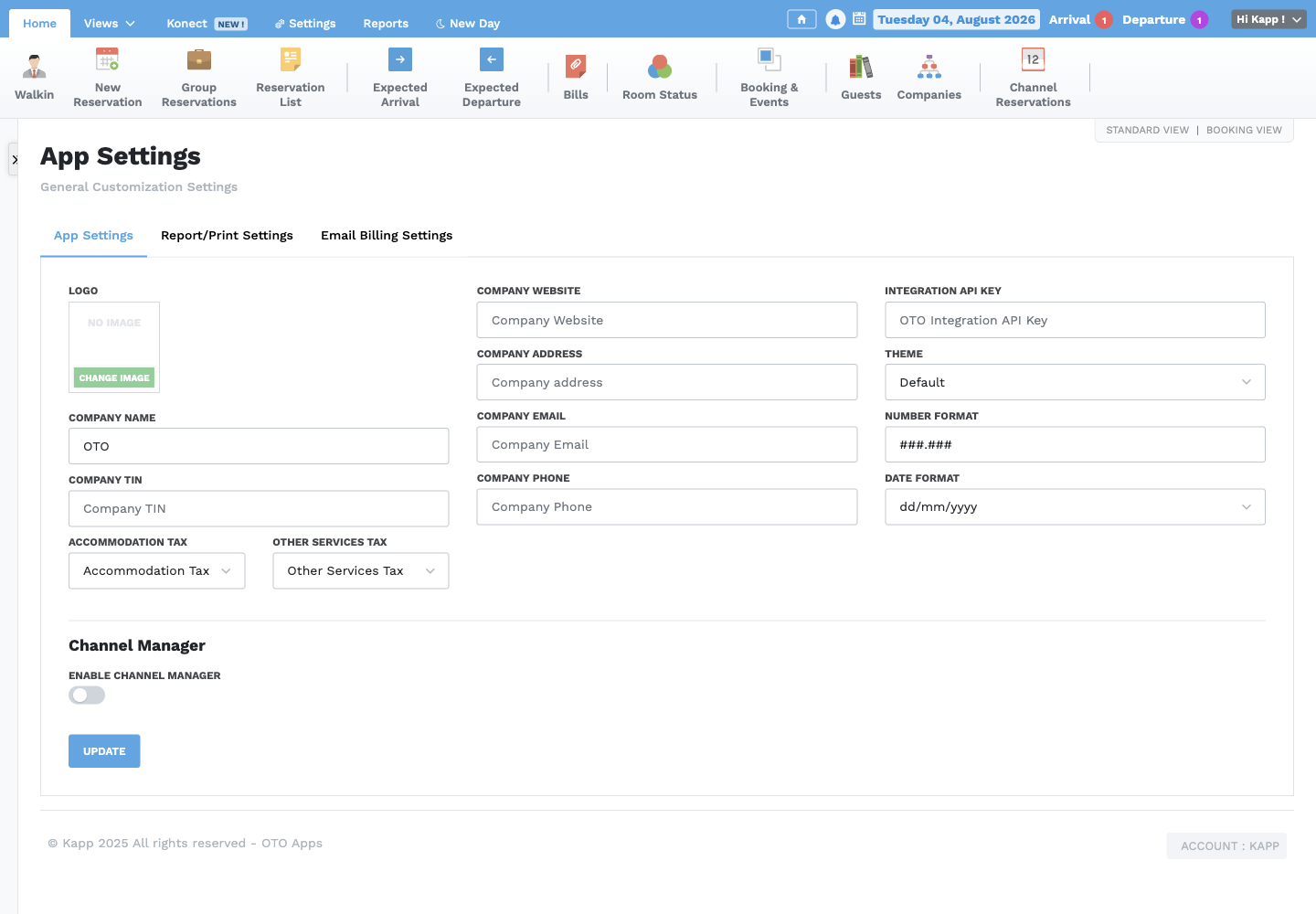
Maintain the approved company identity, logo, TIN, website, address, email, phone, theme, number format, date format, accommodation tax, other-services tax, and report/print settings. Confirm sample reservation and bill output after a change.
Currencies
Each currency needs an approved code, name, symbol, exchange rate, and Primary setting. Keep only the authorized primary currency. Exchange-rate changes must follow finance policy and be tested on a sample bill.
Taxes
Taxes contain code, name, alias, type, and rate. Never change a tax merely to alter one bill. Obtain finance approval and confirm which services the tax applies to.
Business sources and payment methods
Use stable business-source names that staff can select consistently. Payment methods require an approved code, name, class, and description matching the actual tender and reconciliation process.
Floors, rooms, and statuses
Create floors before rooms. A room needs a unique name/number, floor, room type, normal status, and correct enabled state. Room statuses must have clear meanings and must not duplicate the standard operational statuses.
Do not rename or disable a room with active or future stays until reservations, reports, and channel mappings have been reviewed.
Room types and rates
A room type groups rooms with the same approved characteristics and base amount. Rate Types describe rate categories; one approved type may be the default. Rate Plans control sellable prices and conditions across dates, room types, packages, or channels. Test availability and totals after every rate change.
For the full day-price grid, default/minimum/maximum controls, channel links, and synchronization checks, use Booking Views, Direct Bookings, Channels, and Rate Plans.
Packages
Packages describe included service arrangements such as Complementary, Full Board, Half Board, or Bed and Breakfast. Confirm the alias, description, included services, and reporting effect before use.
Channel configuration
Channel room mappings connect provider room types to OTO room types. Channel pricing and availability determine what can be sold online. Only trained, authorized staff should change mappings, prices, availability, provider setup, or synchronization controls. Test with the provider's approved procedure and monitor Sync Logs afterward.
Treat room mappings, channel reservations, channel pricing, channel availability, rate-plan links, and Sync Logs as one connected setup. A change in one area can affect what the channel sells.
Configuration handover
Record the request, old value, new value, approver, effective date, test result, and affected future bookings. If a result is unclear, restore through the approved change process and escalate; never experiment during live service.