Back Office Reports
Run and review a report
- Choose the report that answers the question.
- Enter the correct business-date range and filters.
- Generate the report.
- Confirm its title, period, currency, and totals.
- Trace unusual values to the source document before correcting anything.
- Print or export only through approved channels.
Choose the right report
| Question | Report |
|---|---|
| Which invoices are open, paid, or overdue? | Invoices Overview |
| Which quotations were prepared? | Proforma Overview |
| What activity belongs to a customer or supplier? | Customer / Suppliers Overview |
| What moved through each cash book? | Cashbook Overview |
| What expenses were recorded and why? | Expenses Overview / Expenses Insights |
| Do account debits and credits balance? | Trial Balance |
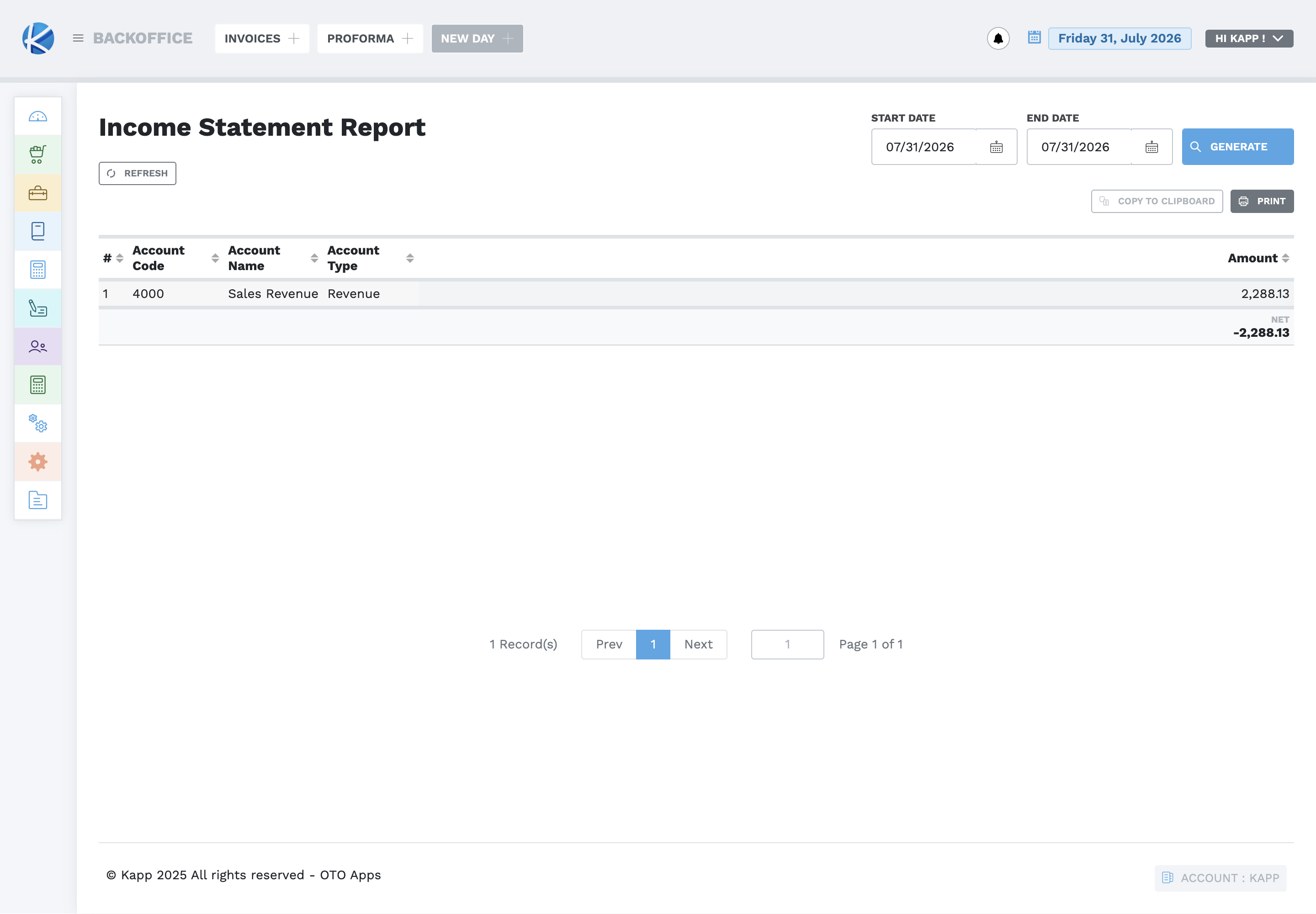
| What income and expenses produced the result? | Income Statement / Profit & Loss |
| What are assets, liabilities, and equity? | Balance Sheet |
| Which entries make up an account balance? | Journals |
| How did cash move during the period? | Cash Flow |
| Which revenue categories produced sales? | Sales by Revenue |
| Which payment methods were used? | Payments by Method |
| What procurement documents and items were processed? | Requisitions, Purchase Orders, Goods Received Notes, and item reports |
| What is the stock value? | Stock Valuation |
| What payroll was run and what goes to the bank? | Runs Overview / Bank Payment |
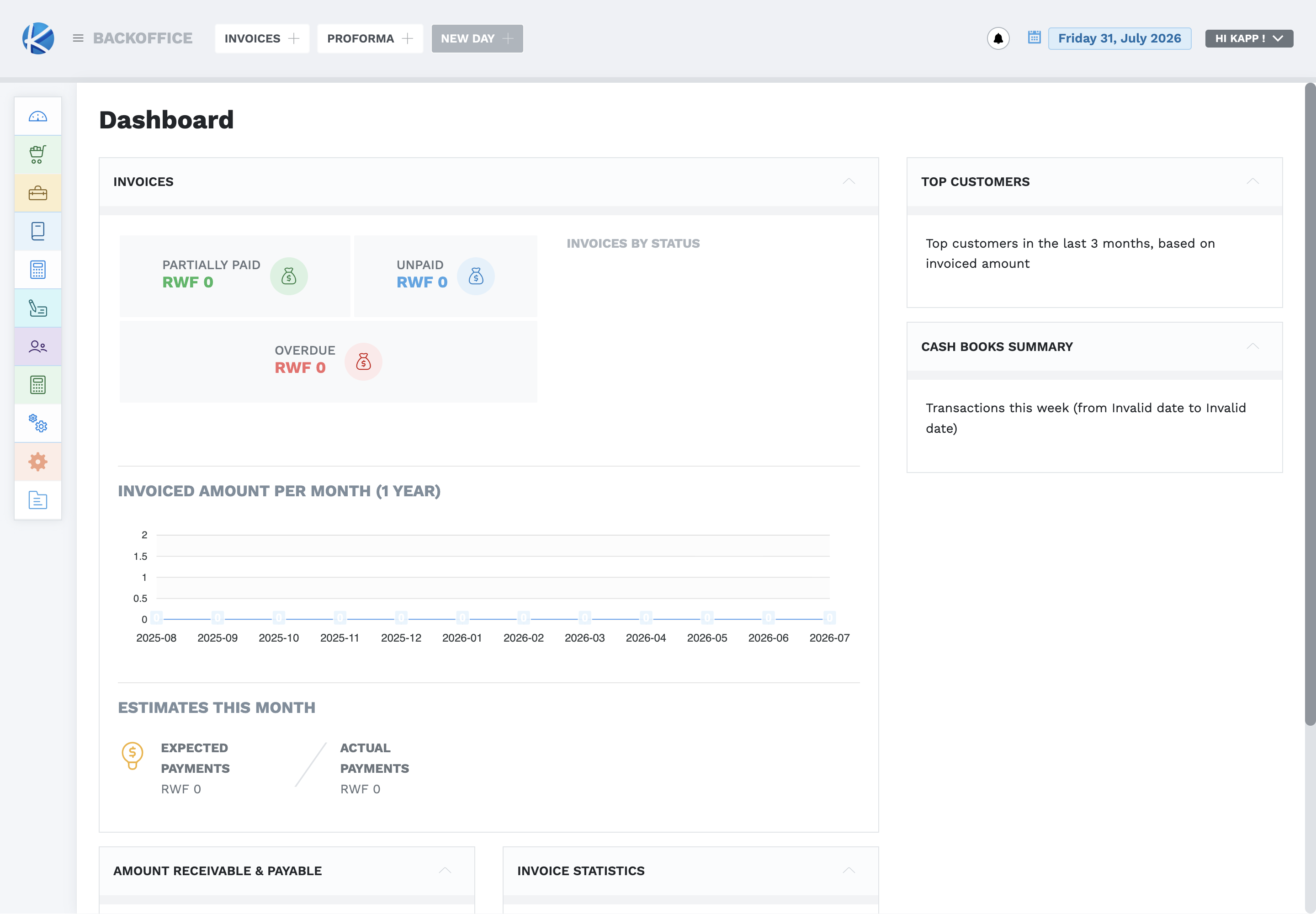
The dashboard is a summary, not a replacement for reconciliation. Use its invoice status, expected and actual payments, receivable/payable, top customer, and cash-book summaries to identify what needs investigation.