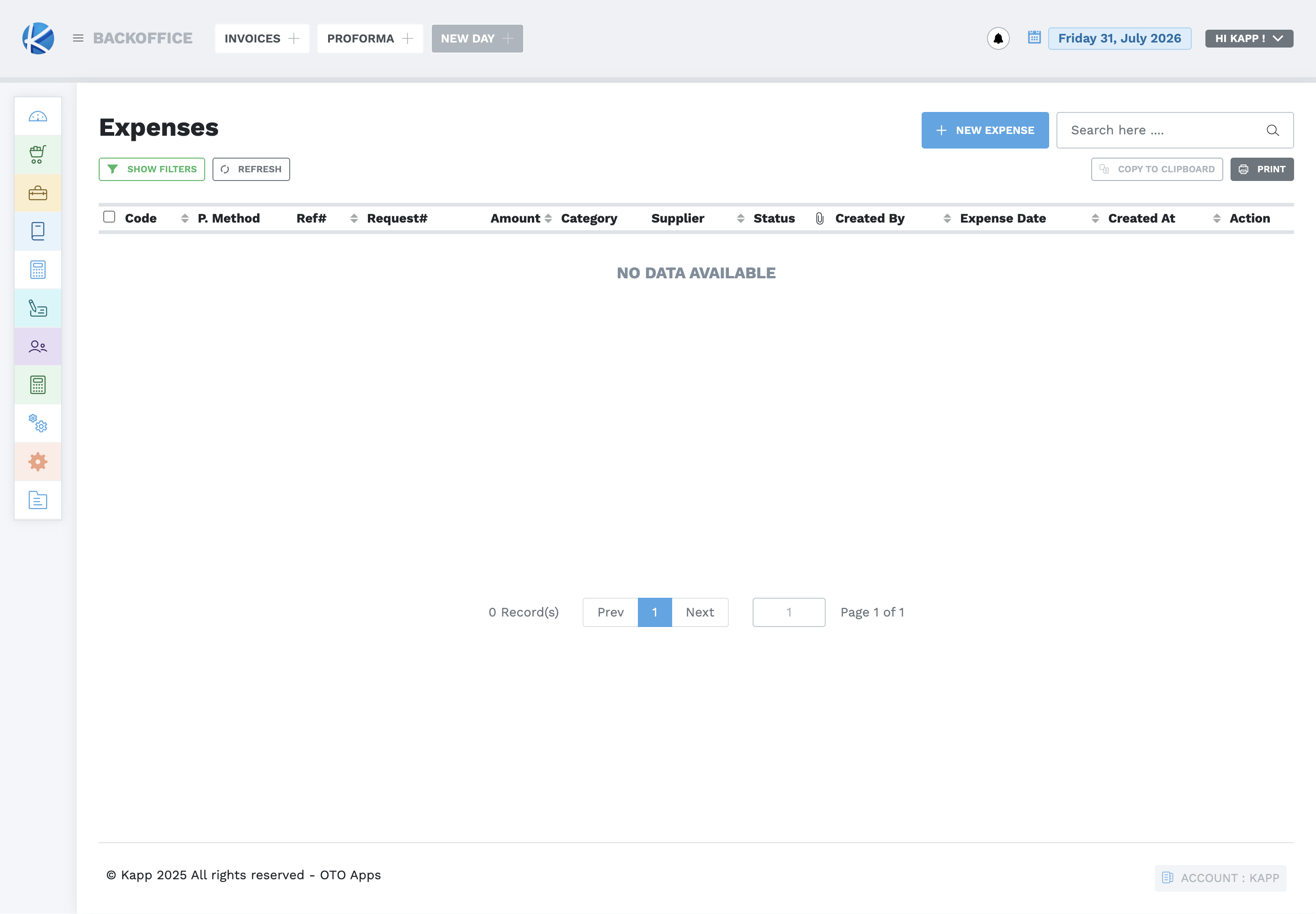
Cash Books and Expenses
Create a cash book
Cash books separate money by the account or till being controlled.
- Open Cash Books and select Create New Cashbook.
- Enter a clear, unique name.
- Select the correct currency.
- Enter the verified opening balance.
- Obtain approval, save once, and confirm the displayed cash-book balance.
Do not use the opening balance to hide an unexplained difference.
Request an expense
- Search existing requests first.
- Select New Request.
- Select the supplier and expense category.
- Enter the requested amount, reference number, and useful comments.
- Recheck the evidence and submit once.
- Confirm the request code and status, then follow the approval process.
Record an expense
- Confirm the expense occurred and has valid supporting evidence.
- Select New Expense.
- Enter the expense date, supplier, amount, actual payment method, category, reason, reference or invoice number, and description.
- Use Save as Draft when review is incomplete. Use Submit only when the record is ready for approval or posting.
- Verify the code, amount, category, supplier, status, date, and creator.
Never split, duplicate, or re-date an expense to avoid an approval limit. Match cash-book movement and expense reports with the physical or bank evidence.